
Native Mac app for private video restoration
ReviveFrame
Restore and upscale old videos locally on your Mac.
Bring low-resolution home movies, travel footage, family clips, and personal archives back into clearer, higher-resolution video. ReviveFrame keeps source footage, processing, and restored exports on your Mac.
For footage worth a second look
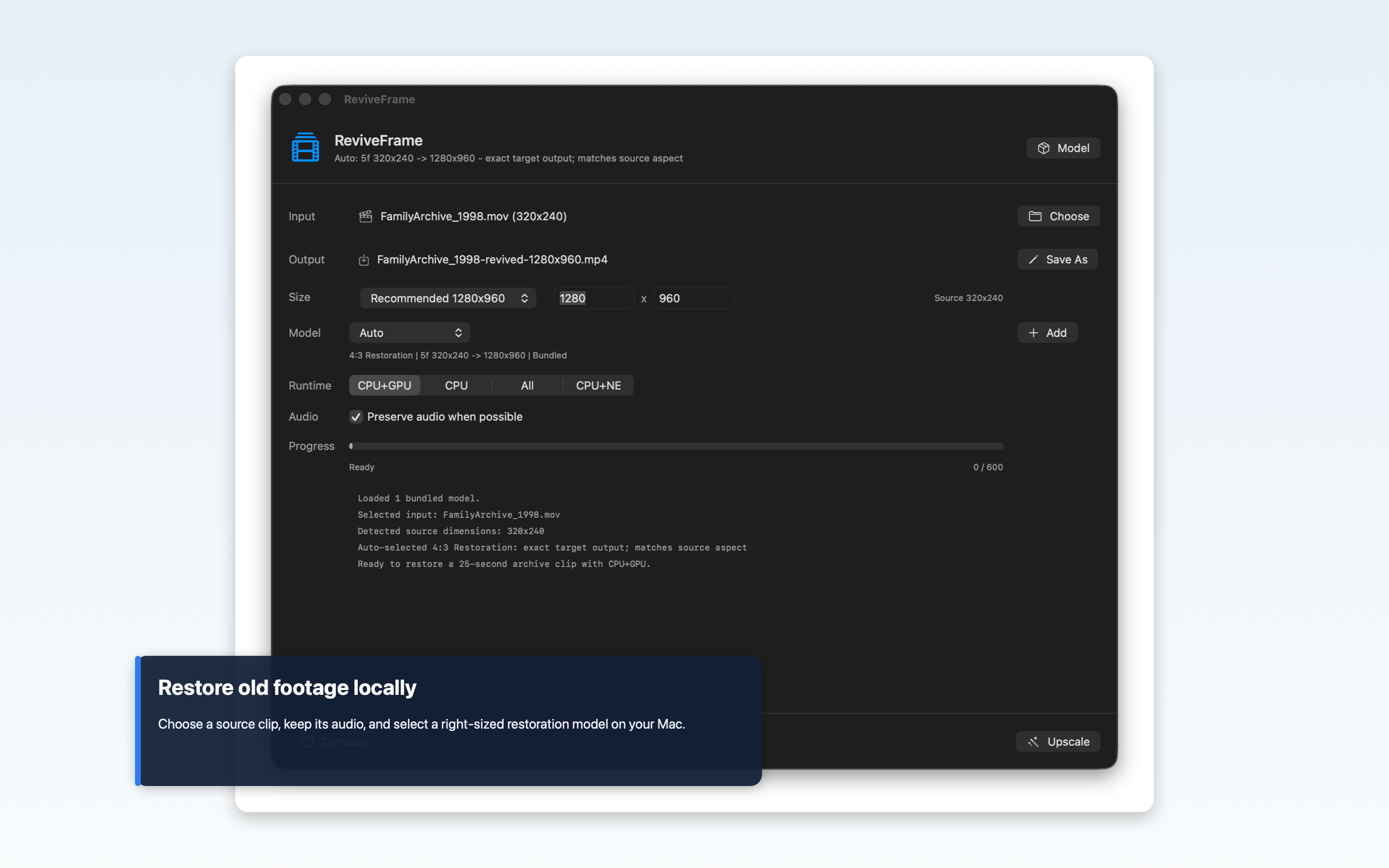
Old home videos and archive clips often matter more than their original resolution suggests. ReviveFrame is built for those personal collections: pick a video supported by macOS, choose the recommended restoration settings, and export a clearer MP4 while keeping the original file intact.
The app inspects the selected source, recommends a 4x output size, and offers common targets such as 720p, 1080p, 1440p, and 4K. When the source format allows it, the original audio is preserved in the restored export.
See ReviveFrame in action
Demo · 2:22 · Watch on YouTube
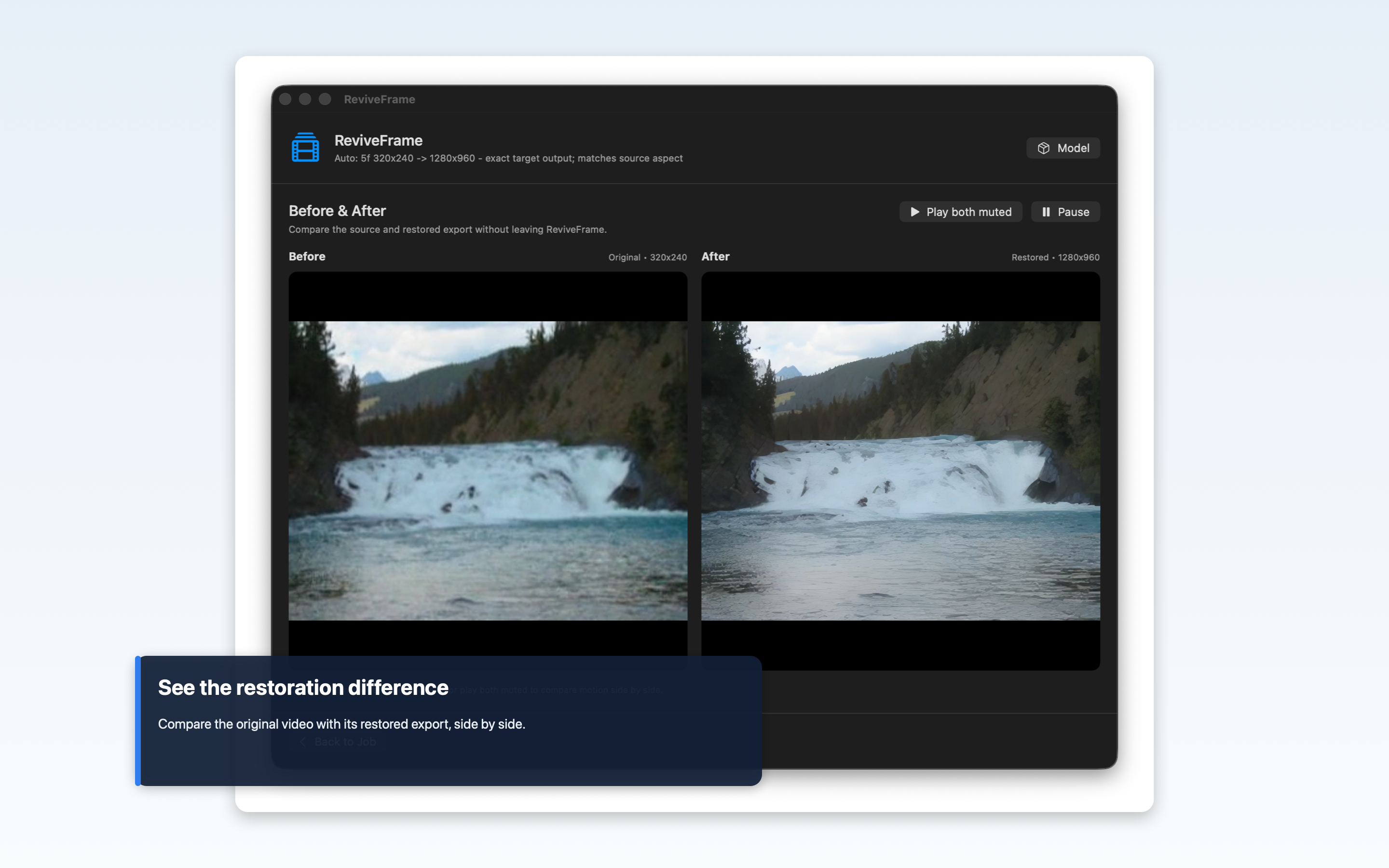
- Compare the original and restored waterfall Quick comparison · Short · 0:09. See the original 320×240 clip alongside the restored 1280×960 result.
- How I turned video-restoration research into a Mac app How I built it · 6:57. Follow the research, Apple Silicon runtime tests, quality review, and native restoration workflow.
Launch highlights
Upscale carefully, compare the result, and keep everything private.
Screenshots
Workflow
Available now
Bring old footage back to life on your Mac.
ReviveFrame is a macOS app for private video restoration and upscaling, built for old home movies, family clips, travel footage, and personal archives.