



Free web app · Compatible desktop Chrome
Interview Coach
Practice job interviews out loud.
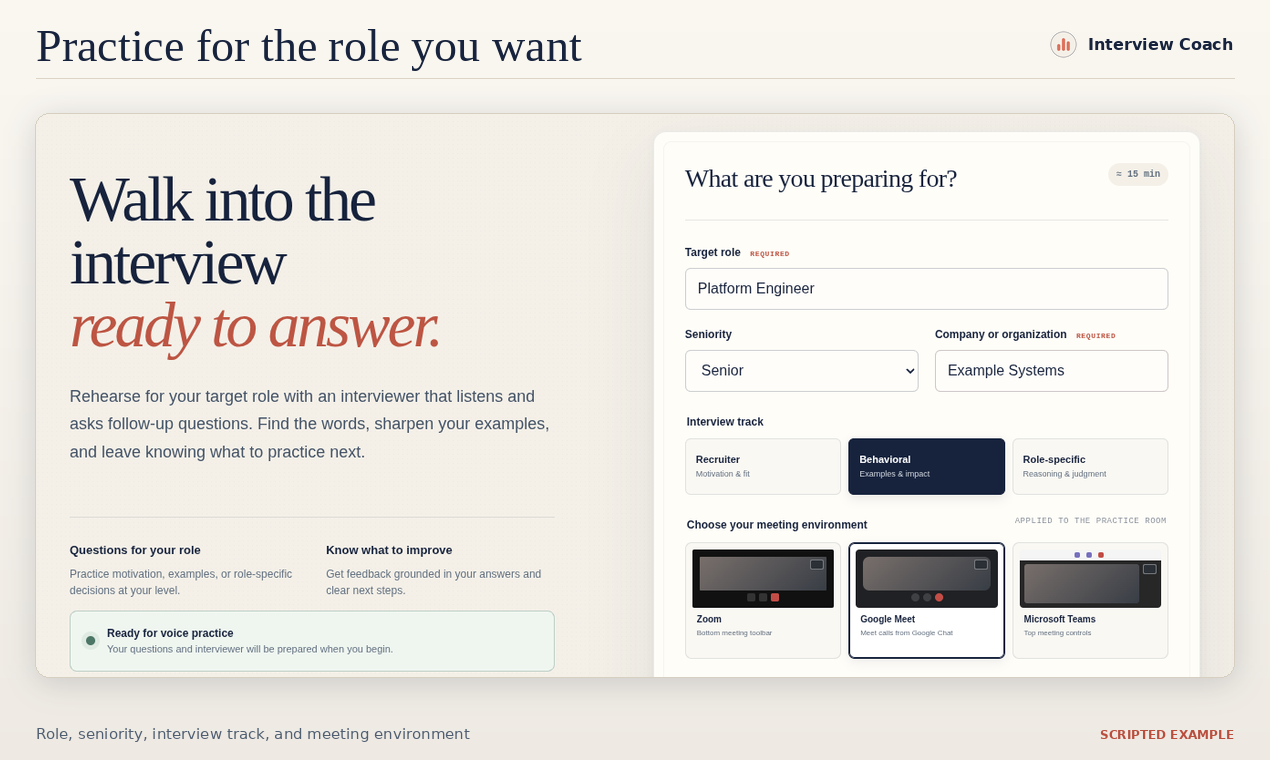
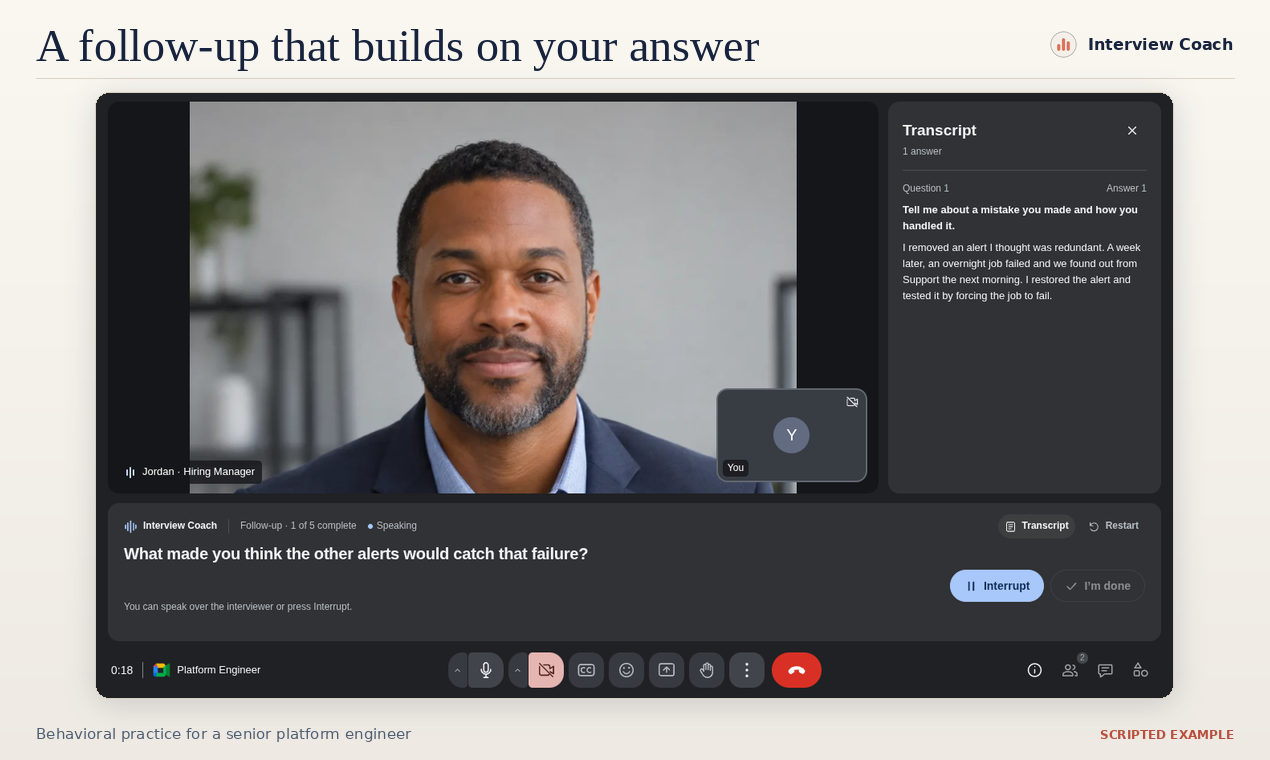
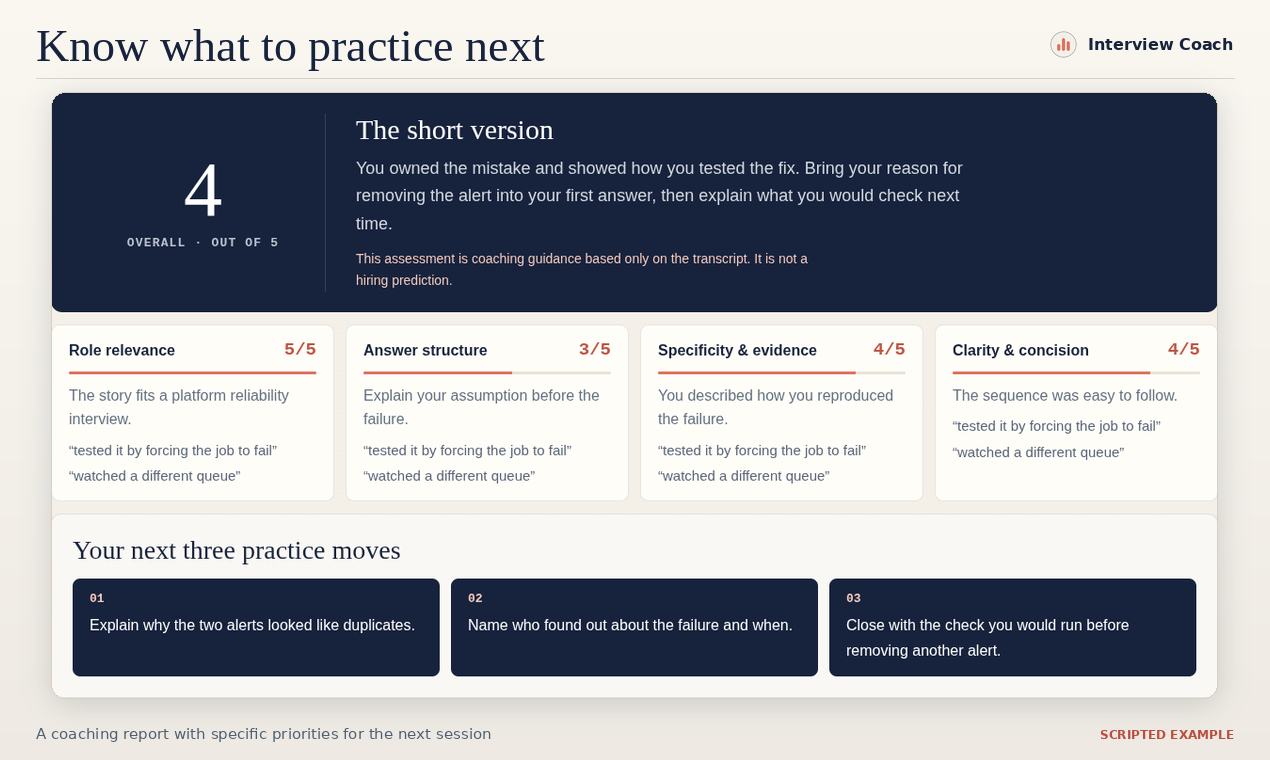
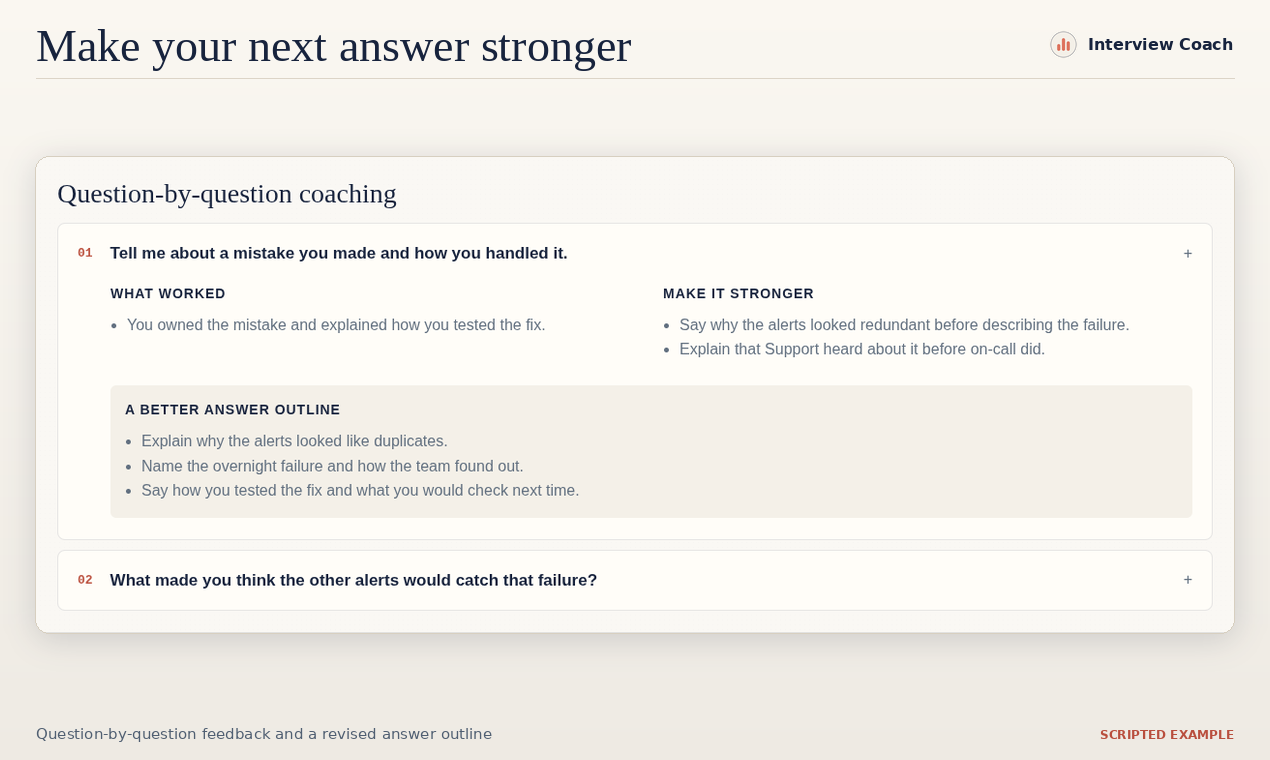
Rehearse for a specific job, answer questions aloud, and think through follow-ups based on what you said. Get specific feedback to work on before your next interview.
Why I built it
Interviewing gets easier with practice, but finding someone to run a mock interview can be hard. I built Interview Coach so students, recent graduates, and people changing careers after years at the same company could rehearse whenever they have time.
Interview Coach began as an entry in Build for Good with Cloud Run, a challenge from Google Cloud Run and Product Hunt.
How it works
What runs on your device
Chrome handles English speech recognition and runs Gemini Nano for questions, follow-ups, and coaching. The interviewer’s voice is generated on your device. Interview Coach saves no audio or video recordings.
You can start practising without signing in. Opening your coaching report after sign-in uploads the written feedback, text transcript, and interview details. The backend on Google Cloud Run handles interview configurations, sign-in, report storage, and summary emails. Read the Interview Coach privacy policy.
You’ll need compatible desktop Chrome and a microphone. On first use, Chrome may prompt you to download its on-device AI model and English speech resources.