Simple Clipboard Manager AI
快速的 Mac 剪貼簿歷史工具,支援 Markdown、OCR、RTF、snippets 與私密本機 AI。
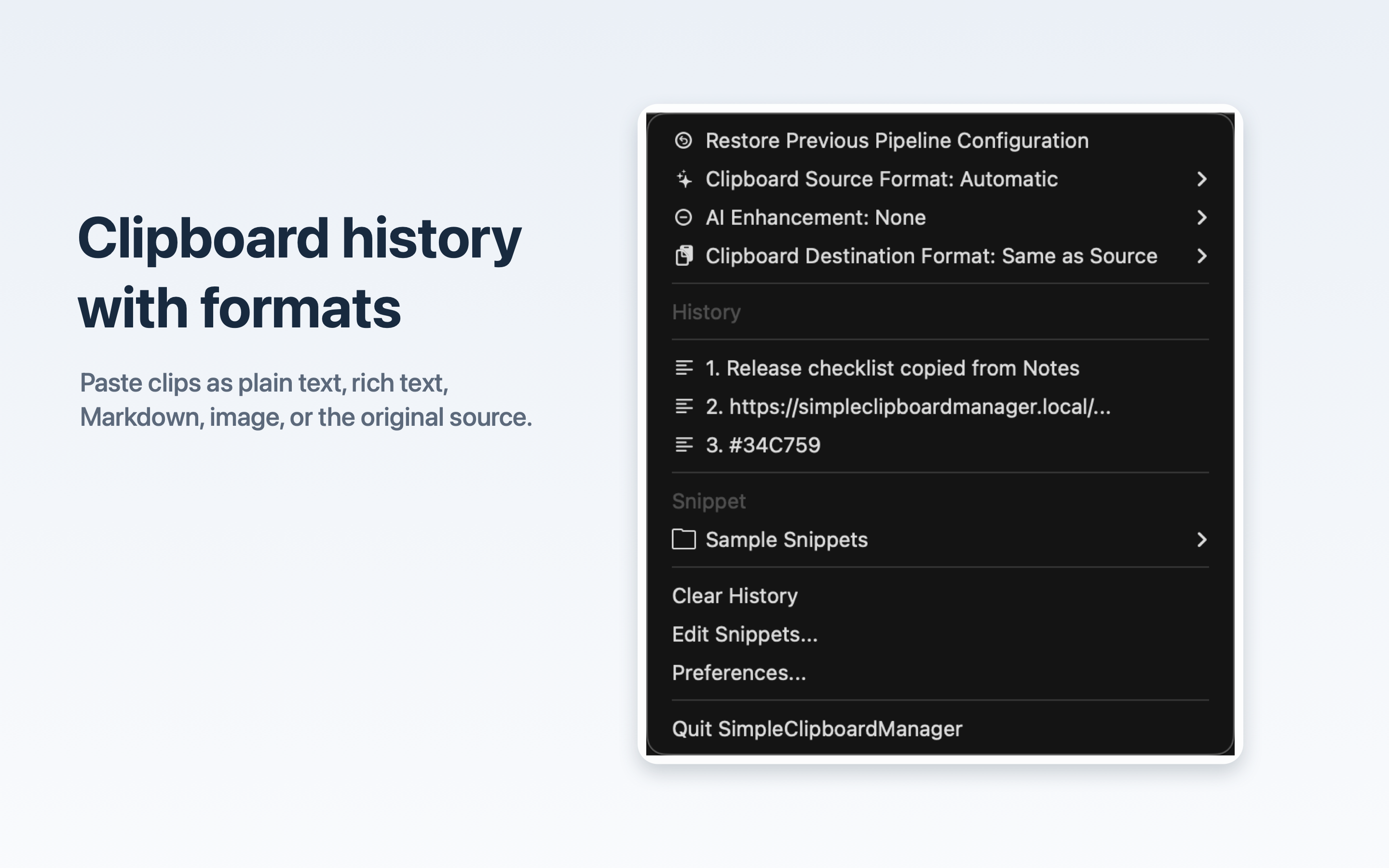
Simple Clipboard Manager AI 把剪貼簿歷史放在 menu bar 附近,讓之前複製過的內容可以快速重用,也能在貼到文件、筆記、編輯器、瀏覽器、聊天或 email 前選擇需要的格式。
這個 App 是為每天需要複製、整理、重新格式化與重複使用文字的人而建。它處理純文字、RTF、Markdown、圖片、檔案、PDF 與原始格式,特別照顧開發、寫作、研究、學生與客服等 Markdown-heavy workflows。
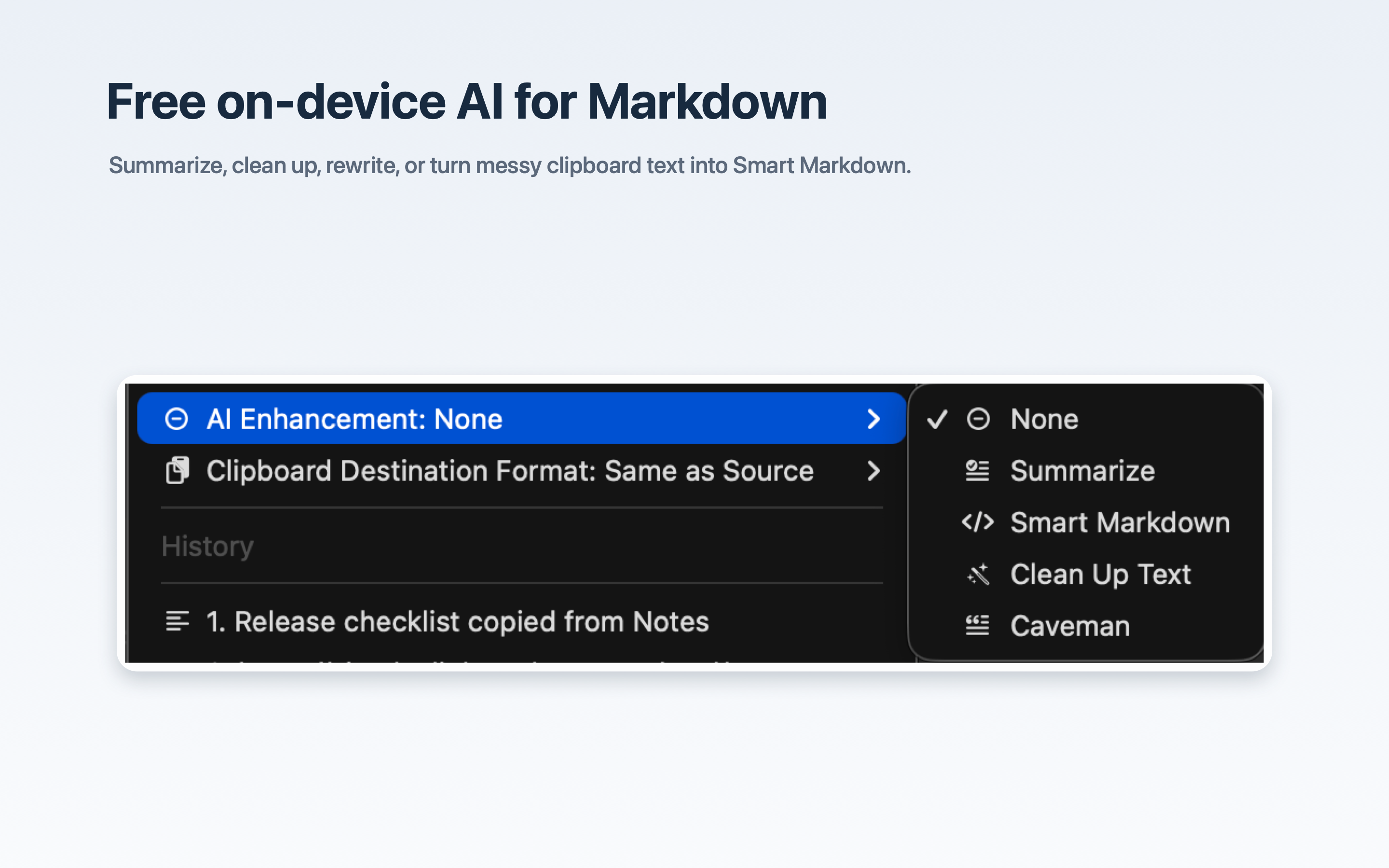
OCR 支援會用 macOS Vision 把截圖與圖片文字轉成有用的剪貼簿內容。在支援的 Mac 上,AI enhancements 會用 Apple 的系統語言模型在本機執行,因此摘要、整理、改寫與 Smart Markdown conversion 不需要 API keys、cloud AI accounts、credits 或第三方 AI services。
它能做什麼
- 從原生 macOS menu bar app 取用剪貼簿歷史。
- 把剪貼簿項目以純文字、RTF、Markdown、圖片或原始格式貼上。
- 把 RTF、連結、檔案、圖片與 PDF 轉成有用的 Markdown output。
- 在需要 styled content 的 App 中,把 Markdown render 成格式化 RTF 再貼上。
- 盡可能保留標題、清單、連結、強調、程式碼、檔案路徑與來源結構。
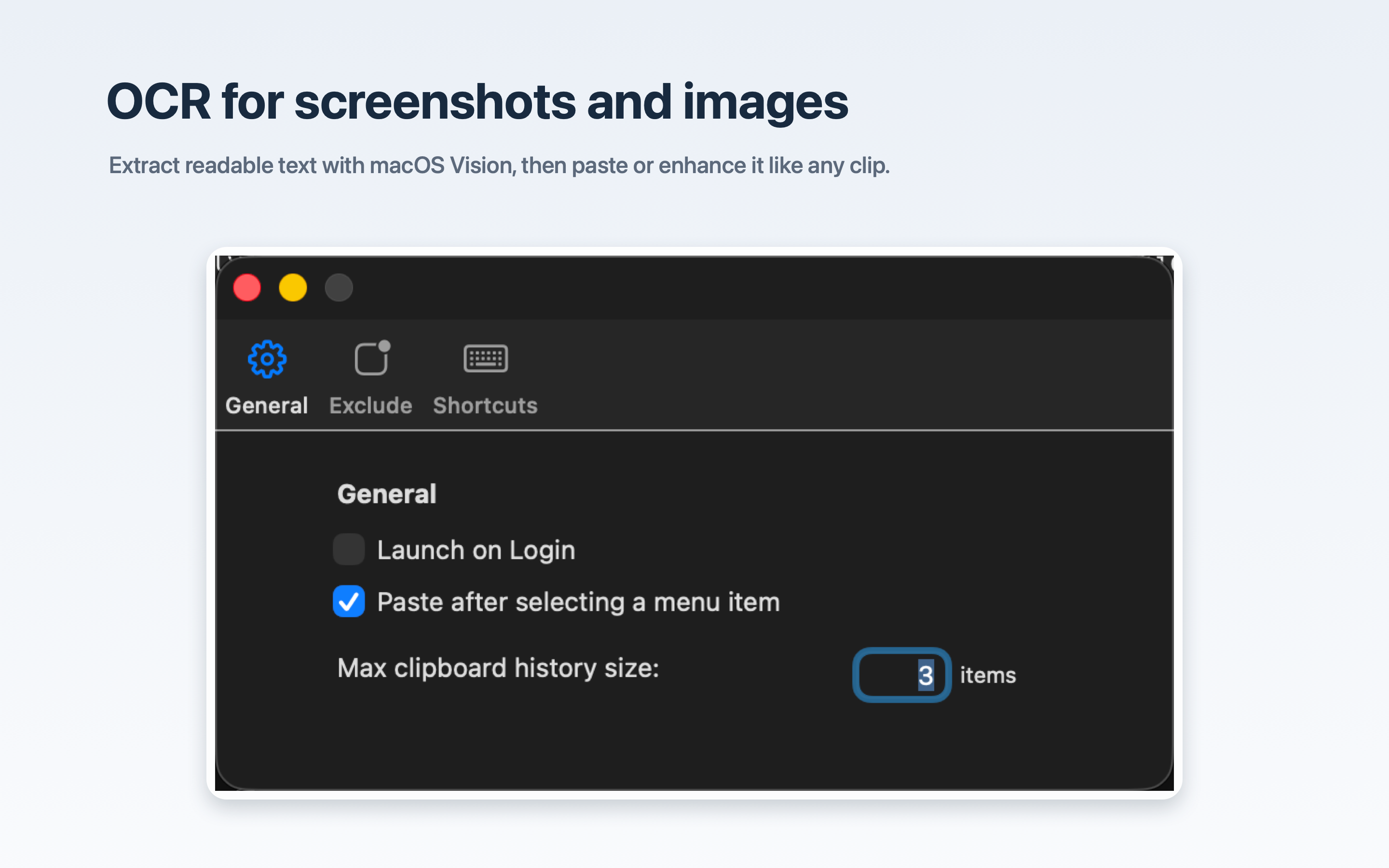
- 使用 macOS Vision OCR 從截圖與圖片擷取可讀文字。
- 在支援的 Mac 上,用私密 on-device AI 摘要、整理、改寫,或把凌亂文字轉成更乾淨的 Smart Markdown。
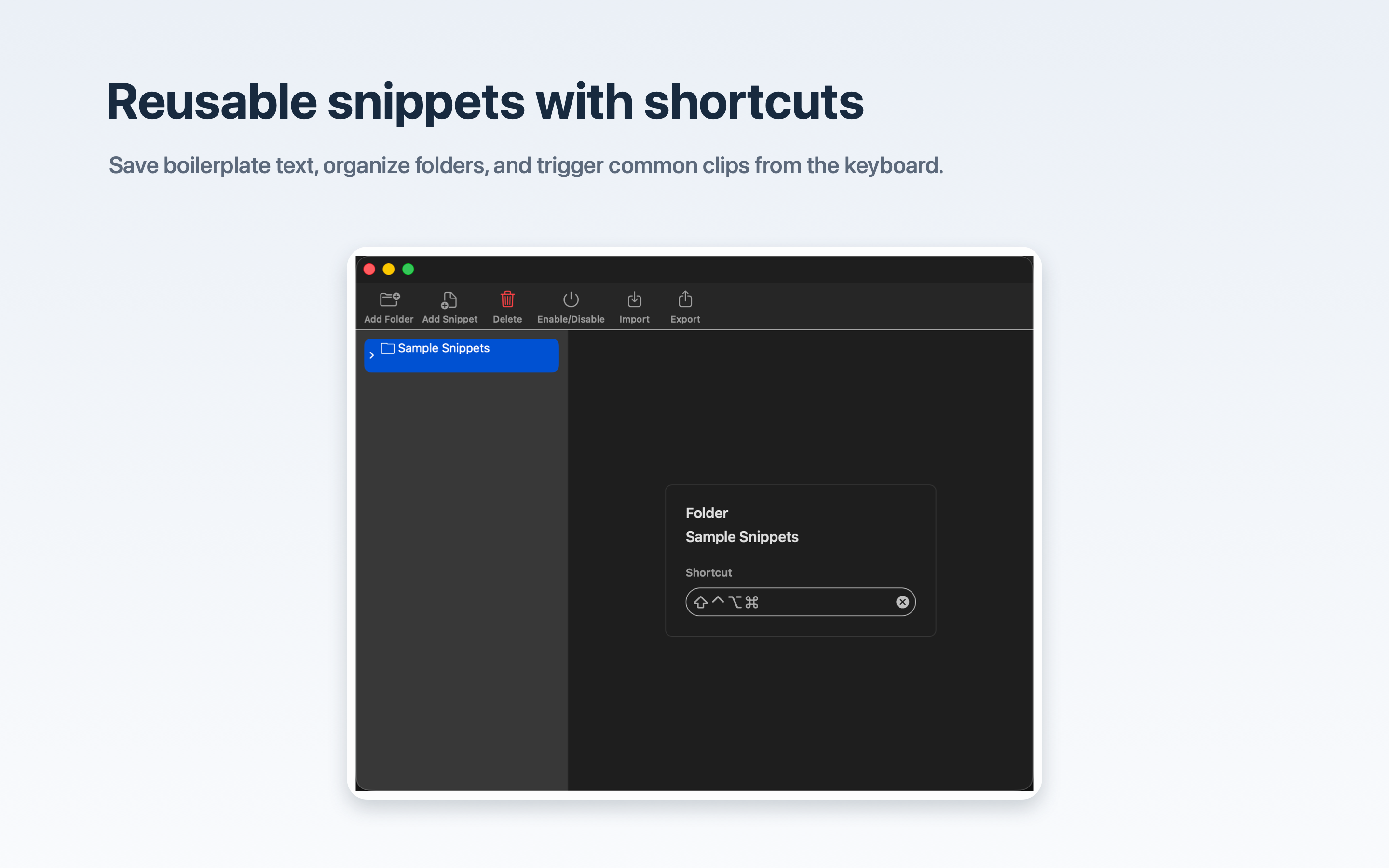
- 新增可重用的 snippets 與 folders,並設定 keyboard shortcuts。
- 設定 history size、clipboard types、menu behavior、OCR、language、shortcuts 與 excluded apps。
Simple Clipboard Manager AI 專為 macOS 開發,使用 AppKit、NSPasteboard、Vision、Accessibility APIs、RealmSwift,以及可用時的 Apple Foundation Models。剪貼簿歷史儲存在本機,核心剪貼簿、snippets、formatting、OCR 與 local AI workflows 不需要外部服務。